
68 NiuNiu Agent and Shareholder Guide
68 NiuNiu Agents offer a shareholder partnership for users who want to promote the platform and build a team. After applying for an Agent Account, you can invite friends using your exclusive invite code, QR code or invite link, and check your team size, downline turnover and commission under "My Promotion". Promotion commission currently covers three tiers — 0.50% for the first generation, 0.30% for the second, and 0.20% for the third — calculated based on the corresponding downline's turnover.
How to Become a 68 NiuNiu Agent
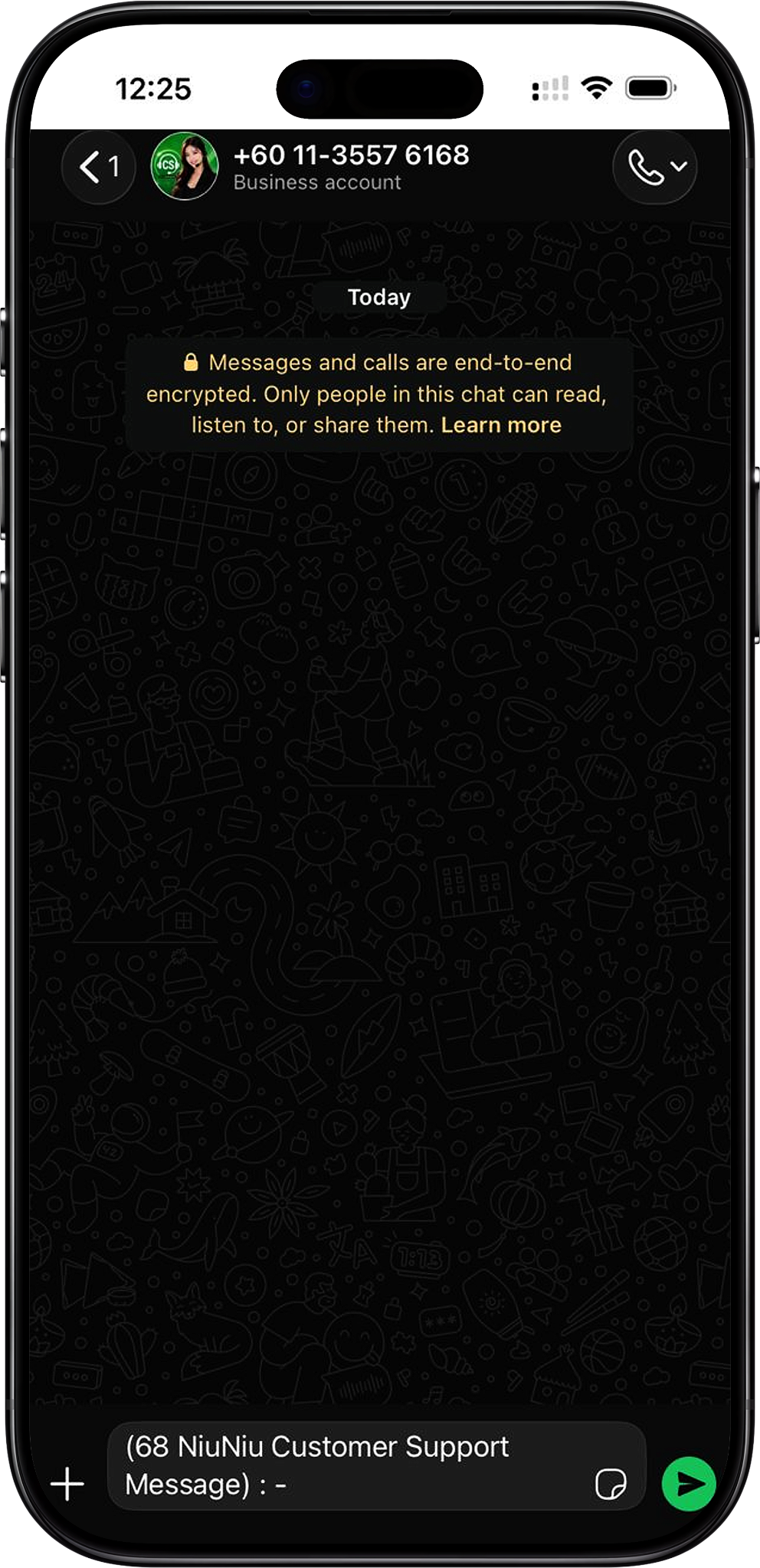
To apply as a 68 NiuNiu Agent, contact customer service through the official website to open an Agent Account. The platform provides WhatsApp and a "Contact Us" link; customer service can help you complete the agent account application and further explain how to promote and build your downline.
Step 1: Visit the 68 NiuNiu Official Website
Go to the 68 NiuNiu official website and start the agent application process through the contact details provided there. It's best to use the official channel directly, and avoid submitting an agent application through third-party channels of unknown origin.
Step 2: Tap WhatsApp or Contact Us
Find the WhatsApp icon or "Contact Us" button on the official website and tap it to enter the platform's WhatsApp customer service channel.
Step 3: Apply for an Agent Account With Customer Service
After contacting customer service, let them know you want to apply for an Agent Account. They will guide you through the current application process, and you simply follow the steps as instructed.
Step 4: Learn About Agent Promotion Methods
Once your Agent Account is set up, you can ask customer service for more details on how to promote your agent account, invite friends and build your downline. The platform's "My Promotion" page also provides an invite code, QR code, invite link and team data to make ongoing promotion easier.
Step 5: Start Building Your Agent Team
Once your agent setup is complete, you can share your invite details with friends. After a friend completes the binding using your invite details and joins the platform, you can view the related team and commission data under "My Promotion".
68 NiuNiu How Agents Invite Friends
68 NiuNiu Agents can promote using their exclusive invite code, QR code or invite link. The promotion page supports copying the invite code directly, as well as sharing it with Telegram friends or generating an invite poster, so new users can complete binding through the matching invite details.
Use Your Exclusive Invite Code
The "My Promotion" page shows your exclusive invite code and offers a tap-to-copy feature. Agents can copy the invite code and send it to friends, who then enter it when binding their inviter.
Share Your Invite QR Code
The page provides an exclusive invite QR code. Friends can scan it to enter the corresponding invite process and complete the details and UID binding at the "Bind Inviter" step.
Copy Your Invite Link
Besides the invite code and QR code, agents can also copy their own invite link and send it to friends, letting them enter through your exclusive promotion portal.
Share With Telegram Friends
The promotion page has a "Share to Telegram Friends" feature, which sends your invite details directly to Telegram, making it easier for friends to get their invite entry point.
Generate an Invite Poster
Agents can also use the "Generate Invite Poster" feature to create promotional material, then share the poster containing your invite details with friends who are interested in joining.
How Three-Tier Agent Commission Is Calculated
68 NiuNiu Agent commission currently covers the first three generations and is calculated based on the corresponding downline's turnover. The first generation's commission rate is 0.50%, the second is 0.30%, and the third is 0.20%, for a combined total of 1.00%.
First-Generation Commission: 0.50%
The first generation refers to the downline who joined directly through your agent invite relationship. The page shows a first-generation commission rate of 0.50%, calculated based on the turnover generated by that first-generation downline.
Second-Generation Commission: 0.30%
The second-generation commission rate is 0.30%. As the team's invite relationships continue to grow further down, the turnover of the corresponding second-generation downline is used to calculate commission at that rate.
Third-Generation Commission: 0.20%
The third-generation commission rate is 0.20%, the third level within the current commission structure.
Team Size Counts Beyond Three Generations
The "My Promotion" page explains that team size is counted all the way down the chain, not just the first three generations; commission, however, is only paid out for the first three generations. So the total team size and the number of people generating commission across three generations are two different statistics.
Commission Is Calculated From Downline Turnover
Commission is not calculated purely from the number of people invited, but from the turnover generated by the corresponding downline. The page explains that the win/loss amount from every round is included in the relevant turnover, so actual commission changes with the downline turnover at each level.
My Promotion and Team Data
The 68 NiuNiu "My Promotion" page is not just for sharing your invite code — it also brings together your agent team and commission data in one place. You can view team size, today's and yesterday's figures, your personal turnover, and the commission, headcount and turnover for the first three generations.
View My Team Size
"My Team" shows the current total team size. As the page explains, team size is counted continuously along the invite chain, not just the first three generations.
View Today's and Yesterday's Data
The promotion page lets you switch between "Today" and "Yesterday" to view promotion and team performance on different dates.
Check Your Own Turnover for Today
The page separately shows "Today's Own Turnover", letting agents view their own turnover for the day apart from the team's commission data.
View Commission and Turnover for Each Generation
The first, second and third generations each show their commission rate, commission amount, headcount and turnover, letting agents understand the team's current promotion performance by level.
Check Today's Commission
The top of the page shows the "Today's Commission" amount, noting that it will be credited the next day. Agents can use this section to check the commission tallied so far for the day.
View the People You've Invited
The "People I Invited" section shows users who joined through your invite code, QR code or invite link. If no one has used your invite details yet, the page will prompt you to send your QR code or link to a friend.
68 NiuNiu Shareholder Promotion Methods
Once you become a 68 NiuNiu shareholder or agent, the focus of promotion is sharing your exclusive invite details correctly so friends can complete the invite binding. The platform also provides customer service guidance and a promotion page, giving agents a complete flow from sharing and binding through to viewing team data.
Share
The first step is sending out your invite code, QR code or invite link — you can also share it via Telegram or generate an invite poster.
Bind
Once a friend enters the relevant flow, they need to fill in your invite details to complete the inviter binding. The page lets friends scan the QR code to fill this in at the "Bind Inviter" step, which automatically matches the inviter's UID.
Get Started
Once the invite binding is complete, the friend can follow the platform's normal process to join the corresponding interactive group. The promotion page will show the relevant team data based on the actual invite relationship.
Get Promotion Guidance From Customer Service
If you're unsure about promoting your agent account, building your downline, or how it all works, you can get guidance through WhatsApp customer service. The platform's materials clearly state that customer service can help agents understand how to promote their Agent Account and grow more downline.
68 NiuNiu Agent FAQ
How do I apply to become a 68 NiuNiu agent?
Visit the 68 NiuNiu official website, tap the WhatsApp icon or "Contact Us", contact official customer service and request to open an Agent Account, then follow the process they provide to complete it.
How do 68 NiuNiu agents and shareholders promote?
You can use the invite code, QR code and invite link under "My Promotion", or share directly with Telegram friends or generate an invite poster.
How many generations does 68 NiuNiu agent commission cover?
Commission is currently paid for the first three generations: 0.50% for the first, 0.30% for the second, and 0.20% for the third, totaling 1.00%.
What is agent commission calculated from?
Commission is calculated from the corresponding downline's turnover, not simply from the number of people invited. The actual commission at each level can be viewed on the "My Promotion" page.
Is team size only counted for the first three generations?
No. The page explains that team size is counted all the way down the invite chain, not just three generations; however, commission is only paid for the first three.
When is today's agent commission credited?
The "My Promotion" page notes "credited the next day" in the today's commission section, so commission tallied for the day will be credited the following day, as shown on the page.
Where can I view first-, second- and third-generation commission?
Go to "My Promotion" to view the commission rate, commission amount, headcount and turnover for the first, second and third generations respectively.
Can the invite code be changed?
The promotion page currently shows your invite code as your personal exclusive invite detail, with a copy function. There's no option to change the invite code yourself, so use the invite code currently shown on your account for promotion.
What if I don't know how to grow my downline?
You can contact customer service through the official website's WhatsApp or "Contact Us". According to the platform's agent guidance, customer service can walk you through how to promote your Agent Account and grow your downline.
Apply to Become a 68 NiuNiu Agent
Contact 68 NiuNiu official customer service to apply for an Agent Account, get your exclusive promotion tools, grow your team using your invite code, QR code or invite link, and check three-tier turnover and commission under "My Promotion".