
68PLAY Login Guide
Logging in to 68PLAY is directly tied to the device-binding status completed during registration. Once a user finishes registering an account, the 68PLAY account is authorized and locked to that device — afterwards, you should use this bound device to access the H5 platform through the official website. Device binding reduces the risk of an account being used directly on another device, while working alongside the payment password to protect the balance, withdrawals and other fund operations.
68PLAY login steps
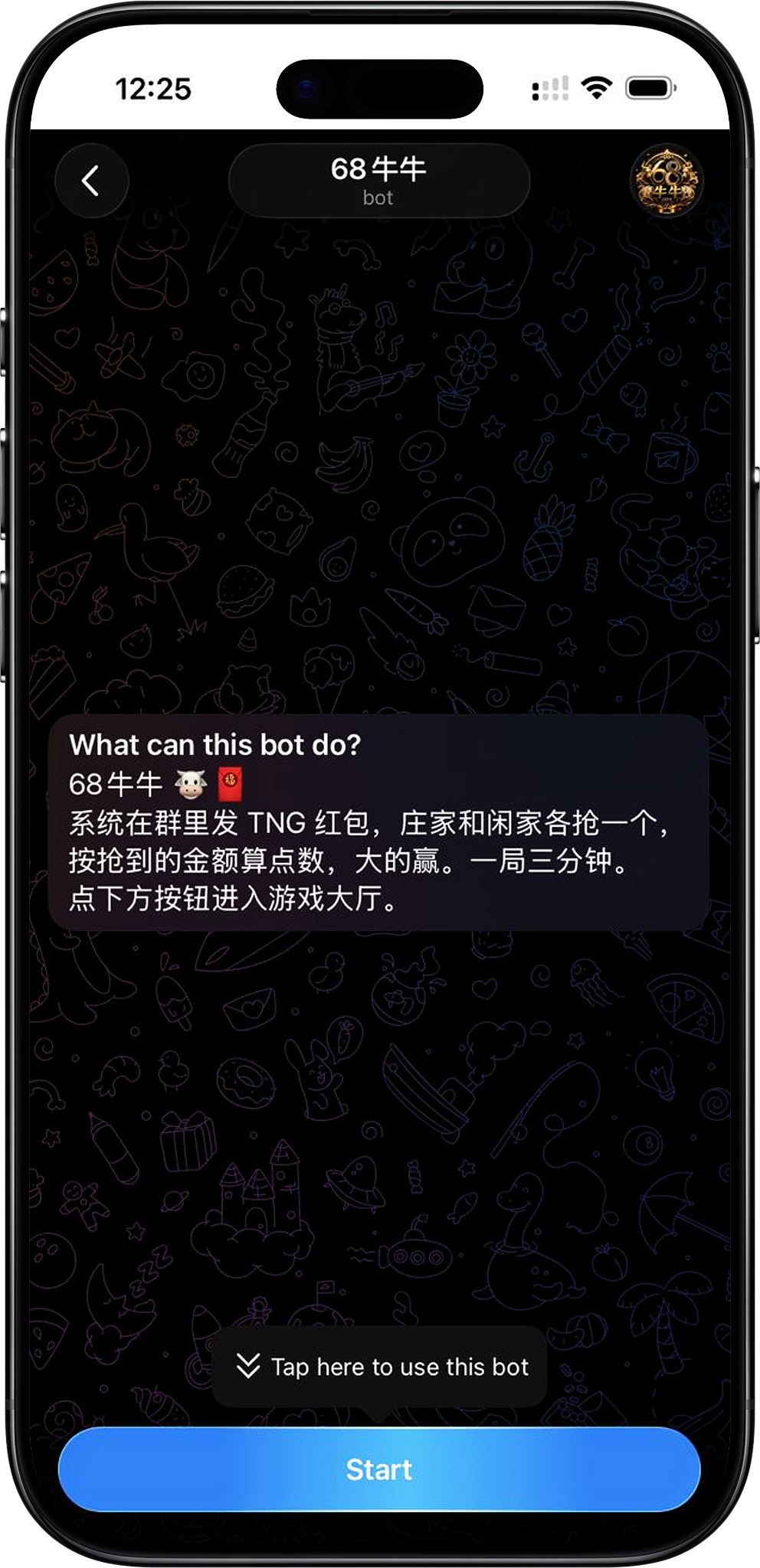
After completing registration and device binding, you can use your authorized device to access 68PLAY. When logging in, go to the H5 platform through the 68PLAY official website, and confirm that you're currently using the device bound during registration.
Step 1: Use your bound device
First, confirm you're using the device that was authorized when you registered your 68PLAY account. An account is locked to a single device, so always access it from the currently authorized device rather than switching directly to another phone or device.
Step 2: Enter the H5 platform from the 68PLAY official website
On your bound device, visit the 68PLAY official website and enter the H5 platform through the entrance it provides. Using the correct official entrance helps you avoid landing on unofficial pages on your own, and keeps the login process consistent with your bound account.
Step 3: Enter your bound 68PLAY account
After entering the platform, the system identifies your account based on the current device's authorization status. When the device-binding page shows "Bound" and "This device is authorized", it means the account is locked to the current device, and you can continue using the corresponding 68PLAY account.
Step 4: Confirm account and device status
After entering your account, you can check the device-binding status. The page shows the currently authorized device and the authorization time, and marks the device in use as "In Use". Once you've confirmed the information is correct, you can continue using the platform.
68PLAY login and device-binding mechanism
68PLAY login uses an account-and-device binding mechanism. After registration, the account is locked to the authorized device — even if someone tries to log in to the account elsewhere, they cannot access it directly the way the current authorized device can, adding a device-level restriction on account use.
One account, one bound device
Each 68PLAY account corresponds to one currently authorized device. Once binding is complete, the device page records the device type and the authorization time, and shows the current device's usage status.
What does device binding do?
Device binding mainly restricts account use on unauthorized devices. As the platform page explains, even if someone logs in to the account elsewhere, they cannot access it the way the bound device can unless it is the currently authorized device.
Device binding and fund operations
Device authorization also strengthens the security of balance and withdrawal operations. Withdrawals can only be initiated from the currently bound device and are verified with the payment password, so device authorization and the payment password together form two layers of protection.
Device binding and account usage rules
One device corresponding to one account helps maintain a clear relationship between the account and its actual authorized device. The platform also systematically manages behavior such as opening multiple accounts on the same device to farm rewards, so accounts and devices should be used according to the normal rules.
Changing devices and unbinding
If you need to switch to a new phone or another device later, you cannot change the original binding relationship directly on the new device yourself. You should first access 68PLAY through your currently authorized device, and contact platform customer service to request that the device binding be released.
Step 1: Open the platform on your currently bound device
Before switching devices, first open 68PLAY on the authorized device currently shown as "In Use". While the original device is still working normally, initiate the subsequent unbinding process from that device.
Step 2: Contact customer service to unbind
After entering the platform, contact Support and explain that you need to unbind the current device. The device-binding page provides a "Contact customer service to unbind" entrance, and you can follow the process customer service provides.
Step 3: Re-enter the platform on your new device
Once the original device has been unbound, open 68PLAY again on the new device you intend to use long-term, and follow the process shown on the platform to complete the new device binding. Afterwards, the new device becomes the account's currently authorized device.
68PLAY H5 login security precautions
When using the 68PLAY H5 platform, protect your currently authorized device and your payment password at the same time. Device binding restricts which device can use the account, while the payment password protects fund operations such as withdrawals — neither should ever be handed to anyone else.
Never give your payment password to anyone
The platform's device-binding page clearly states that customer service will never ask users for their payment password. If anyone — claiming to be customer service or otherwise — asks for your payment password, do not provide it, to avoid compromising your account and fund security.
Resolve the original device binding before switching devices
Since the account is already locked to the currently authorized device, when changing phones you should first contact customer service through the original device to unbind it, rather than repeatedly trying to log in or re-register directly on the new device.
Enter the H5 platform through the official website
When logging in, it's recommended to access the H5 platform through the entrance provided on the 68PLAY official website, and confirm you're using your own authorized device. This keeps the official entrance, the account, and the device-binding status consistent with each other.
68PLAY login FAQ
Do I need to use the device I registered with to log in?
Yes. Once an account is registered, it is bound to the authorized device, and under normal use you should access 68PLAY through the currently bound device.
Why can't I log in directly after changing phones?
Because 68PLAY uses an account-and-device binding mechanism, the account is locked to the currently authorized device. When you need to change phones, first access the platform on the original device and contact customer service to unbind it, then complete the binding again on the new device.
How do I check which device is currently bound?
You can view the "Currently authorized device" on the device-binding page. The page shows the device type, authorization time, and current usage status — the device marked "In Use" is the currently authorized device.
Can I use the same 68PLAY account on multiple devices at the same time?
Under the platform's current device-binding rules, one account corresponds to one authorized device, so the same account cannot be bound to multiple devices at the same time.
Can I unbind a device myself when switching?
No, you can't unbind it directly yourself. The platform requires opening the mini-program from the currently bound device and contacting customer service to handle the unbinding, after which you can re-enter and bind on the new device.
Will customer service ask for my payment password?
No. The platform's security notice clearly states that customer service will never ask for your payment password. If anyone requests it, you should not disclose that information.
Log in to 68PLAY
Use your bound, authorized device to enter the H5 platform through the 68PLAY official website, confirm your account and device status, then continue on to the game lobby.